6 Best TinyURL Alternatives - Free and Paid [2026]
Last updated:
Comparisons


LucaG is the co-founder of ShortPen. Before that, he built Guadagnissimo from scratch, a personal finance blog that reached hundreds of thousands of readers per year and was later acquired. That experience is where he learned SEO and marketing attribution hands-on. He also runs NTSOT, a newsletter on tools for work and life. His background spans product design, growth, and building online businesses.
Show more
The best TinyURL alternative for most people is ShortPen (our product). Its free plan includes unlimited links and tracked clicks, one custom domain and 100 tracked conversions a month. Short.io is the pick if you need five free custom domains, Cuttly if you create under 30 links a month and want full free analytics, Dub for developers, and Sink if you want to self-host. Stay on TinyURL if you only need a one-off link with no account.
TinyURL launched in 2002 and still works exactly the way it did then. Paste a long URL, get a short one, share it. No account, no dashboard, no expiration date. For a link you need once and never think about again, it remains hard to beat.
The problem is that the category moved and TinyURL stayed put. Most people searching for TinyURL alternatives are not looking for a shorter link. They already have that. They want to know who clicked, where the traffic came from, and whether any of it turned into a signup or a sale.
TinyURL's free plan does not answer any of those questions. There are no click analytics, you cannot edit a link after you create it, and every link lives on the tinyurl.com domain. Those three gaps are what push people to look elsewhere.
This article compares six alternatives on the things that actually differ between them: what the free plan really includes, how deep the analytics go, whether you get a branded domain without paying, and whether the tool can tell you what happened after the click. Prices and plan limits were checked in September 2026.
Moving off TinyURL?
Create branded short links and QR codes, then see clicks, scans, and conversions in one place.
Why look for a TinyURL alternative?

TinyURL is not a bad product. It is a narrow one. Here are the five limits that send people looking for something else.
The free plan has no click analytics
This is the big one. According to TinyURL's own free plan page, the free tier gives you link shortening, custom aliases, QR code generation, and link history. Analytics are not on the list.
You can create as many links as you want and never learn whether a single person clicked one. For a link in a group chat, fine. For anything you are measuring, a shortener without click data is a redirect service, not a marketing tool.
You cannot edit a link after you create it
TinyURL documents this plainly: links created on the free plan cannot be edited once they are made. The destination is locked.
That sounds minor until you print a QR code on a menu, a flyer, or product packaging, and then move the landing page. The link is dead and there is nothing you can do about it except reprint. Editable destinations are the reason dynamic links exist.
Branded domains are locked behind Pro
Every free TinyURL link is a tinyurl.com link.
Branding starts on the Pro plan, which includes up to three custom domains.
Generic shortener domains also carry a trust cost. Some corporate mail filters and social platforms treat unfamiliar shortened links with more suspicion than a link on a domain the recipient recognizes.
No conversion tracking, UTM builder, or team features
Many online reviews lists what is missing from the paid plans: no retargeting pixels, no geo or device targeting, no A/B testing, no team accounts, and no built-in UTM builder.
Conversion tracking is the gap that matters most. TinyURL can tell you a link was clicked, on Pro. It cannot tell you that the click led to a signup. If you are trying to work out which channel produced revenue, click counts get you about a third of the way there.
Link caps and expiration on the paid plans
TinyURL Pro starts at $9.99 per month billed annually, or $12.99 monthly, and caps how many links you can create each month rather than selling unlimited use. Extra links are billed on top.
The high-volume Bulk plan starts around $99 per month and comes with a catch that surprises people: links created on that plan expire after 90 days unless they are renewed. A shortener that deletes your links is a strange thing to pay for.
The 6 best TinyURL alternatives in 2026
Each tool below covers a different job. The order reflects how well each one solves the specific problems TinyURL leaves open.
1. ShortPen - the #1 recommendation

Best for: marketers, creators, and small teams who need real analytics and branded links without paying for them.
ShortPen is the only tool in this comparison whose free plan includes unlimited links, unlimited tracked clicks, a branded custom domain, and post-click conversion tracking at the same time. Every other free plan on this list makes you give up at least one of those four.
That combination is the direct answer to what TinyURL is missing. You get the analytics TinyURL charges for, the branded domain TinyURL gates behind Pro, and a layer TinyURL does not offer at any price.
Key features
Unlimited links, QR codes, and tracked clicks on every plan, including free. No monthly creation cap and no click meter. You are billed on conversion event volume, not on how many links you make or how popular they get.
A branded custom domain from day one. The free plan includes one custom domain, Plus includes three, Scale includes ten. Connect it with a DNS record and every link and QR code runs on your own name.
ShortPen Pixel for conversion tracking. You install one snippet on your site, define the events that matter (signup, purchase, trial start, lead form), and ShortPen attributes each event back to the exact link, QR code, and campaign that produced it. The Pixel supports URL-triggered events, code-triggered events, and events sourced from integrations, and there is an event testing panel so you can confirm it fires before you launch.
Dynamic QR codes with editable destinations. Every link generates a QR code you can customize with colors and a logo. Because the destination is editable, a printed code stays useful when the landing page changes.
Real-time analytics with referrer, geolocation, device, and browser breakdowns. Free accounts get 30 days of history. Paid plans keep it indefinitely.
Workspaces and folders. Separate clients, brands, or campaigns into their own workspaces with their own permissions. Agencies get client isolation without buying an enterprise plan.
UTM builder at the point of link creation. Tags are applied when the link is made, so campaign data stays consistent instead of depending on whoever pasted the URL.
REST API and webhooks on paid plans, for creating links programmatically and pushing events into your own stack.
Analytics are hosted in the EU, are cookieless, and store no personal data, which removes the consent-banner problem that comes with most click tracking.
Pricing
The free plan covers 1 workspace, 1 user, unlimited links and QR codes, unlimited tracked clicks, 100 conversion events per month, 1 custom domain, 30 days of analytics history, and limited API access.
Plus is $23 per month and raises that to 4 workspaces, 2 users, 10,000 conversion events per month, 3 domains, unlimited analytics history, advanced analytics, full API access, and webhooks. Scale is $55 per month for 10 workspaces, 5 users, 100,000 events, and 10 domains.
Both paid plans come with a 14-day trial and a 30-day money-back guarantee. For comparison, $23 flat is less than what several tools in this list charge before they will show you a conversion.
Website: shortpen.com
2. Short.io

Best for: people whose main need is branded short links across several domains.
Short.io built its free plan around custom domains, which is precisely where TinyURL charges. You can connect five of your own domains without paying, which no other tool here matches.
Key features
Up to 5 custom domains on the free plan, with link creation, editing, and expiration controls.
Click analytics with geolocation, device, browser, and referrer breakdowns, plus a live clickstream.
Folders and tags for organization, and geotargeting and device targeting on higher tiers.
API access on every plan, including free, plus integrations with Zapier, Slack, and Google Analytics.
Pricing
Free covers 1,000 short links, 50,000 tracked clicks per month, and 5 domains. Paid plans start at $5 per month, with unlimited links and clicks from $18 per month, and team tiers above that.
Two things to know before you sign up. The free link allowance is cumulative rather than monthly, so it is a ceiling you eventually hit rather than a budget that resets. And click statistics stop being visible past the 50,000 threshold on free, so heavy traffic goes uncounted. The analytics interface also feels dated next to newer tools.
Website: short.io
3. Dub
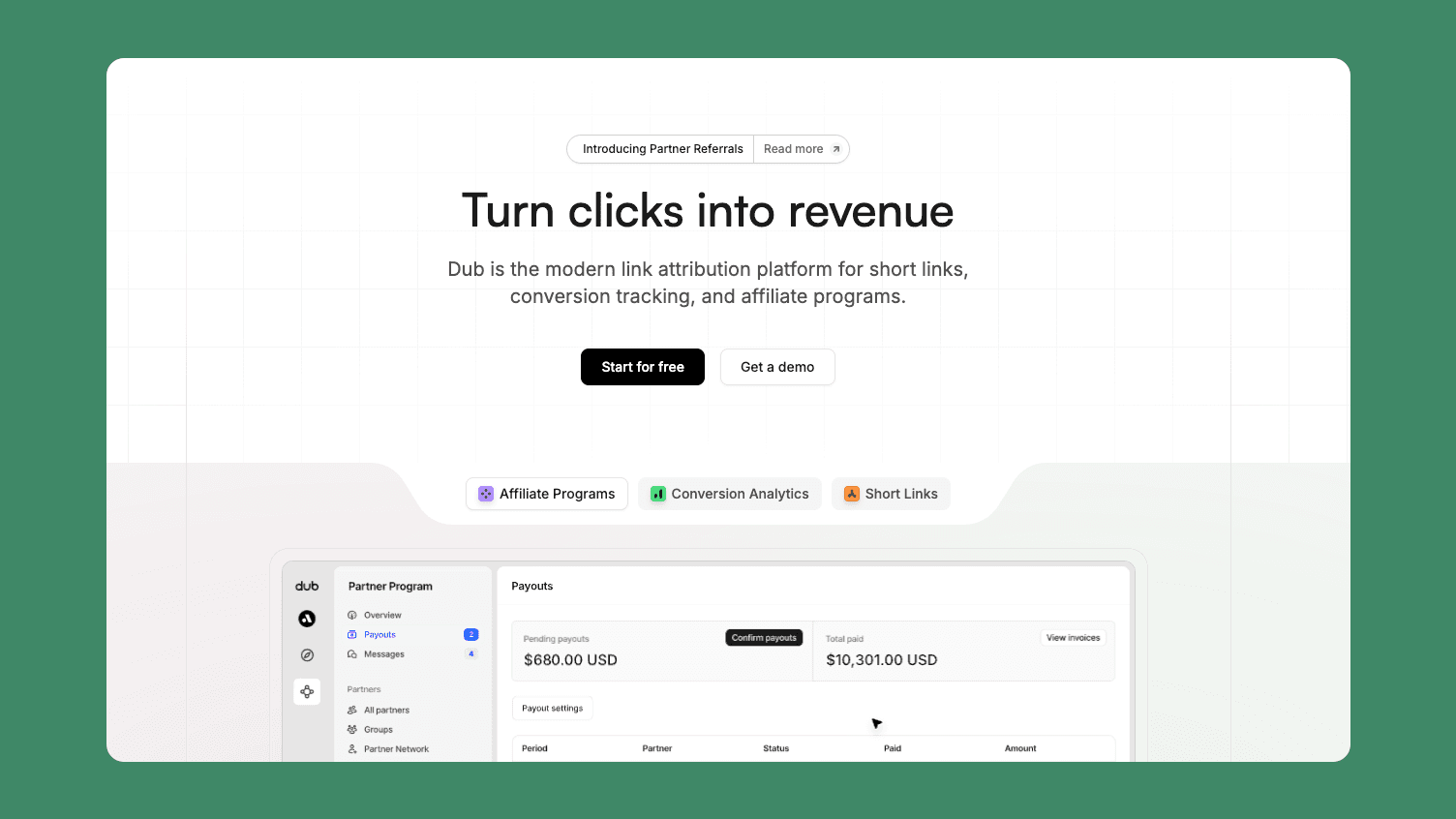
Best for: developers and technical teams who want a modern, open-source platform.
Dub launched in late 2023 and has become the default recommendation among developers. The API is clean, the interface is fast, the codebase is public on GitHub, and the team ships constantly. Around 27,000 companies use it, including Vercel and Cal.com.
Key features
Open-source, with self-hosting possible if you want it.
Real-time analytics, QR codes, link tags, and UTM templates.
Strong API with native SDKs and webhook support.
Dub Partners for running affiliate programs on higher tiers.
Pricing
The free plan gives you 25 new links per month, 1,000 tracked events, 30-day retention, 3 custom domains, and API access. Pro is $25 per month for 1,000 links, 50,000 events, a year of retention, and 10 domains. Business is $75 per month.
The catch is the shape of the free plan. Twenty-five links a month is a limit you notice within a week of running real campaigns, and it resets rather than accumulating. Conversion tracking, the feature Dub is best known for, sits on the $75 Business plan. If attribution is why you are leaving TinyURL, that is a meaningful gap between the plan you sign up for and the plan you need.
Our Dub alternatives comparison goes deeper on where those tiers bite.
Website: dub.co
4. Cuttly

Best for: low link volume with genuinely deep free analytics.
Cuttly made the opposite trade to TinyURL. It caps how many links you can create and then gives you the full analytics suite for free, including on a branded domain.
Key features
Full click analytics on the free plan: device, operating system, browser, country, referrer, device brand, and language.
One branded custom domain included free, connected via DNS records.
QR code generation, a link-in-bio page, and one survey on the free tier.
API access on free at 3 requests per 60 seconds.
No ads or interstitial pages on any plan.
Pricing
Free covers 30 short links per month, 1 branded domain, full analytics with 30 days of history, and the extras above. Paid plans start at $12 per month for 300 links, $25 per month for 5,000 links and 5 domains, and $99 per month for the team tier.
Thirty links a month and 30 days of history are the real constraints. If you publish a handful of campaigns and want to understand them properly, Cuttly is a good fit. If you generate links continuously, you will outgrow the free tier fast.
Website: cutt.ly
5. Bitly
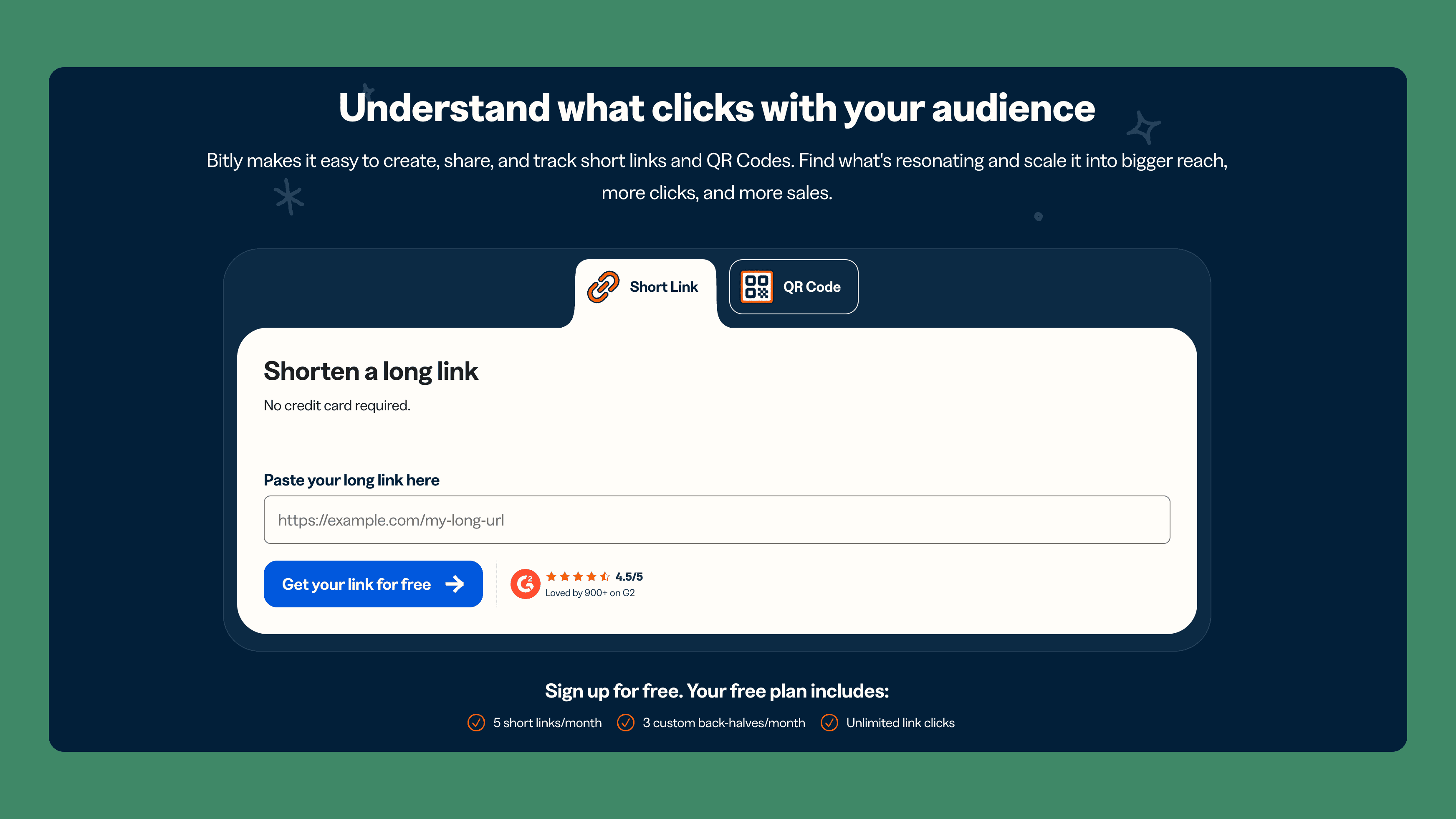
Best for: teams that need the brand recognition and a mature QR and enterprise ecosystem.
Bitly is the most recognized name in the category, and for enterprise QR programs and integration breadth it is still a serious platform. For someone leaving TinyURL specifically, the free plan is worth reading carefully.
Key features
Branded short links and custom back-halves on paid plans.
Mature QR code product with reporting, widely used for print campaigns.
Large integration ecosystem and enterprise security and compliance features.
Link-in-bio pages and landing page tools.
Pricing
The free plan allows 5 new links per month and 2 QR codes per month, and free links show an interstitial preview page with an advertisement before redirecting. Core is around $10 per month but does not include a custom domain. Branded domains start on Growth at roughly $29 per month, and Premium is around $199.
Worth saying plainly: for most people coming from TinyURL, Bitly's free plan is a step backwards. TinyURL gives you unlimited free links with no ad page. Bitly gives you five and shows your audience an ad. If the paid features are what you want, the platform is capable, but the free tier is a trial rather than a plan.
We cover this in more detail in our guide to Bitly alternatives.
Website: bitly.com
6. Sink

Best for: developers who want to own the infrastructure outright.
Sink is an open-source, self-hosted shortener built to run on Cloudflare Workers. There is no company, no subscription, and no third party holding your click data.
Key features
Fully open-source and free, deployed to your own Cloudflare account.
Runs on any domain you own, with complete branding control.
Manual and AI-assisted slug generation, plus link expiration.
A simple dashboard with click counts, referrers, and timestamps.
Fast global redirects via Cloudflare's edge network.
Pricing
Free, permanently. Hosting on Cloudflare Workers costs nothing within the free tier's limits, which cover 100,000 requests per day.
The cost is your time. You deploy it, you maintain it, and there is no support desk when something breaks. Marketing features are minimal, so if you need conversion tracking or campaign reporting, this is not the tool. For a developer who wants a private shortener on their own domain, it is hard to argue with free.
Website: sink.cool
Comparison table: TinyURL alternatives at a glance
Criteria | ShortPen (💙 our pick) | Short.io | Dub | Cuttly | Bitly | Sink | TinyURL |
|---|---|---|---|---|---|---|---|
Free plan | Unlimited links, QR codes, and tracked clicks | 1,000 links total, 50K clicks/mo | 25 links/mo, 1,000 events | 30 links/mo | 5 links/mo, with ad page | Free, self-hosted | Unlimited links |
Branded domain on free | Yes, 1 domain | Yes, 5 domains | Yes, 3 domains | Yes, 1 domain | No | Yes, your own | No |
Analytics on free | Real time, 30-day history | Up to 50K clicks | 30-day retention | Full breakdown, 30 days | No link analytics | Basic, self-hosted | None |
Conversion tracking | Yes, on free (100 events/mo) | No | Paid, from $75/mo | No | No | No | No |
QR codes | Unlimited, dynamic, customizable | Yes | Yes | Yes | 2/mo on free | Not built in | Yes |
API | Limited on free, full on paid | Free and paid | Free and paid | Free, rate limited | Paid | Open source | Paid |
Entry paid price | $23/mo | $5/mo | $25/mo | $12/mo | ~$10/mo | Free | $9.99/mo |
(💙 = ShortPen is our recommended choice for most people leaving TinyURL.)
The pattern is easier to see side by side.
Short.io wins on free domains but caps what you can see. Cuttly wins on free analytics depth but caps how much you can create. Dub wins on developer experience but puts attribution on a $75 plan. Bitly wins on brand and enterprise reach but its free plan asks more of you than TinyURL's does. Sink wins on ownership if you are willing to run it.
ShortPen is the only one that does not ask you to pick. Unlimited links, unlimited clicks, a branded domain, and conversion tracking all sit on the free plan together, which is why it leads this list.
What is TinyURL, and when is it still the right choice?
TinyURL is the original URL shortener, launched in 2002 to make long links shareable before anyone called this a category. You visit the site, paste a URL, and get a short link. No account, no onboarding, no dashboard. Free links never expire and they redirect straight through with no ad page in between.
Those properties are genuinely useful, and it is worth being honest about when they win.
TinyURL is still the better choice when you need a short link in five seconds and will never look at it again, when you want a link with no account attached to it, or when you need something permanent that you know you will never edit.
Nothing on this list is faster for a one-off link, and no other tool lets you skip the signup entirely.
Where it stops working is the moment you need to know whether anyone clicked. That is the line. Below it, TinyURL is fine and you can stop reading. Above it, you need a tool that records the click, ties it to a campaign, and ideally tells you what happened next.
How to choose a TinyURL alternative
Five questions narrow the list quickly.
How many links do you create per month? Under 30 and Cuttly's free plan works. Under 25 and Dub's does. If the number is unpredictable or growing, pick a tool without a creation cap so you are not rationing links mid-campaign.
Do you need click data on the free plan, or can you pay for it? If paying is fine, TinyURL Pro at $9.99 is the cheapest way to get basic analytics. If it is not, the free plans differ enormously.
How many branded domains do you need? One is enough for most people and comes free on ShortPen and Cuttly. Agencies running several client brands should count domains before comparing prices.
Do you need to know what happened after the click, or just that it happened? This is the question most comparisons skip and the one that changes the answer most. Click counts tell you a channel got traffic. Conversion tracking tells you which channel got results.
Do you need API access, and on which plan does it start? Short.io, Dub, and Cuttly include it free but with limits on the number of links you can generate. ShortPen limits API calls on the free plan and opens it fully on paid. TinyURL and Bitly make it paid only.
Frequently asked questions
Is TinyURL free, and what do you actually get?
Yes. TinyURL's free plan gives you unlimited link shortening on the tinyurl.com domain, custom aliases, QR code generation, link history, and links that never expire. No account is required. It does not include click analytics, link editing, or a custom domain.
Does TinyURL have click analytics?
Not on the free plan. Analytics start on TinyURL Pro, which begins at $9.99 per month billed annually and includes click counts with geographic and device data. If you need to measure clicks without paying, ShortPen and Cuttly both include analytics on their free plans.
Can you edit a TinyURL link after creating it?
Not on the free plan. TinyURL states that free links cannot be edited once created, so the destination is permanent. Link editing is a Pro feature. Most alternatives on this list, including ShortPen, Short.io, and Cuttly, allow destination edits on free accounts.
Do TinyURL links expire?
Free and Pro links do not expire. Links created on the high-volume Bulk plan expire after 90 days unless renewed, which is the detail that catches out teams who assumed the highest tier was the safest one.
What happens to my existing TinyURL links if I switch?
They keep working. Your old TinyURL links continue to redirect, so nothing you have already shared or printed breaks. Switching means creating new links in the new tool going forward, not migrating old ones. The practical approach is to recreate your most important active links on your new branded domain, update them wherever you control the placement, and leave the rest to run out naturally.
Which TinyURL alternative has the best free plan?
ShortPen, on the measures most people care about: unlimited links, unlimited QR codes, unlimited tracked clicks, one branded custom domain, 100 conversion events per month, and 30 days of analytics history. Short.io is the strongest alternative if you specifically need five custom domains and can live with the cumulative link cap.
Which TinyURL alternative supports conversion tracking on a free plan?
ShortPen is the only one here. Its free plan includes 100 tracked conversion events per month through the ShortPen Pixel. Dub offers conversion tracking on its $75 per month Business plan, and Short.io, Cuttly, Bitly, and TinyURL do not offer it on the plans compared above.
Conclusion
TinyURL still does one job well, and it does it faster than anything else on this list. The reason people look for alternatives is that most work now requires a second job: knowing what the click produced. A tool that shortens a URL and stops there leaves you guessing about the part that matters.
If you want unlimited links, real analytics, a branded domain, and conversion tracking without paying for any of it, start with ShortPen's free plan and connect your own domain.
It takes a few minutes, and you will know within a week whether your links are doing anything.
Branded links and QR codes you can edit after printing
Conversions tied to the exact link or QR code, from your website or store online
Workspaces, custom domains and full analytics history as your team grows
Ready to make every click count?
Simplify your link management, gain valuable insights, and take control of your online presence. Your journey to better links starts here.