Link Shortener API: The Complete Guide for Developers and Product Teams
Last updated:
ShortPen University


LucaG is the co-founder of ShortPen. Before that, he built Guadagnissimo from scratch, a personal finance blog that reached hundreds of thousands of readers per year and was later acquired. That experience is where he learned SEO and marketing attribution hands-on. He also runs NTSOT, a newsletter on tools for work and life. His background spans product design, growth, and building online businesses.
Show more
A link shortener API lets your application create, edit, and track shortened links through HTTP requests. Instead of logging into a dashboard, copying a URL, and pasting a short link back into your system, you send a POST request and get a branded short link back in JSON. Done.
But modern link shortener APIs do much more than just compress URLs. They handle custom slugs on your own domain, click analytics broken down by country, device, and referrer, QR code generation, post-click event tracking, and bulk operations.
The API turns links from static redirects into programmable, measurable infrastructure embedded directly in your product, your CRM, your email platform, or your e-commerce backend.
This matters because manual link creation doesn't scale. When you need to generate unique tracking links for a 50,000-person email blast, create branded QR codes for product packaging, or attribute post-click conversions back to specific campaigns, a dashboard won't cut it. The API makes all of this automatic.
The URL shortening market is projected to reach $1.8 billion by 2033, which tells you how deeply link management has become embedded in modern digital operations.
This guide covers how to evaluate a link shortener API, what integration patterns matter, and how to go from zero to your first working API call.
Build your own or use a commercial API
What building from scratch actually requires
A URL shortener sounds simple until you start building one.
You need a key generation system (most implementations use base62 encoding of MD5 or SHA-256 hashes), a database that scales with your link volume, a caching layer for high-read throughput, an analytics pipeline, uptime monitoring, branded domain management, and QR code generation.
A system design breakdown on DEV Community puts realistic numbers on this: at 100 million links per month, you're looking at roughly 50 GB of monthly storage, about 4,000 read requests per second, and a base62 key space that needs careful management to avoid collisions. That's not a weekend project.
Open-source options like YOURLS and Shlink reduce some of the work, but you still own hosting, scaling, security patching, and every feature you want beyond basic redirects.
Estimate 20 to 40+ developer hours to get a production-grade system running, plus ongoing maintenance.
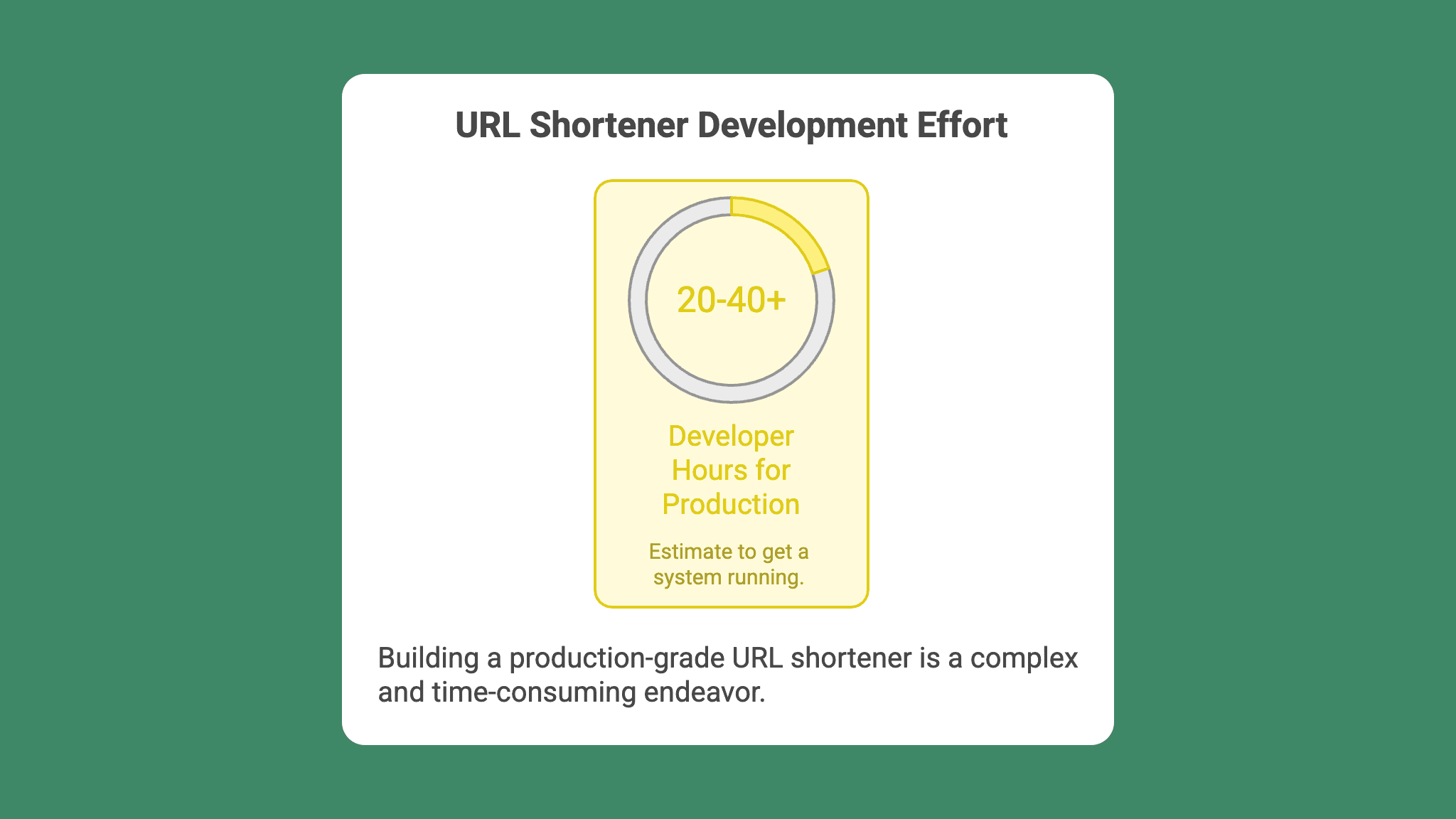
And that's before you add branded domains, click analytics, QR code generation, or conversion tracking. Each of those is a project on its own.
What a commercial API gives you on day one
A commercial link shortener API abstracts all of that. You get branded domains, analytics, QR codes, event tracking, team workspaces, compliance (GDPR, SOC2), and integrations with tools like Zapier and Make. You don't build the infrastructure, you use it. Updates, uptime monitoring, and scaling are the provider's problem, not yours.
The honest question: Is link infrastructure your product's core competency? If you're building a link management platform, build your own. If links are a feature inside a larger product, buy the API and spend your engineering time on what actually differentiates your business.
What to look for when evaluating a link shortener API
Authentication and rate limits
Most APIs use Bearer tokens or API keys passed in the request header. Store keys as environment variables on your server. Never expose them in client-side JavaScript or commit them to version control.
Rate limits are the production differentiator most people overlook. They range from 60 requests per minute to 10 calls per second on standard plans, scaling to 100,000 links per second on enterprise tiers.
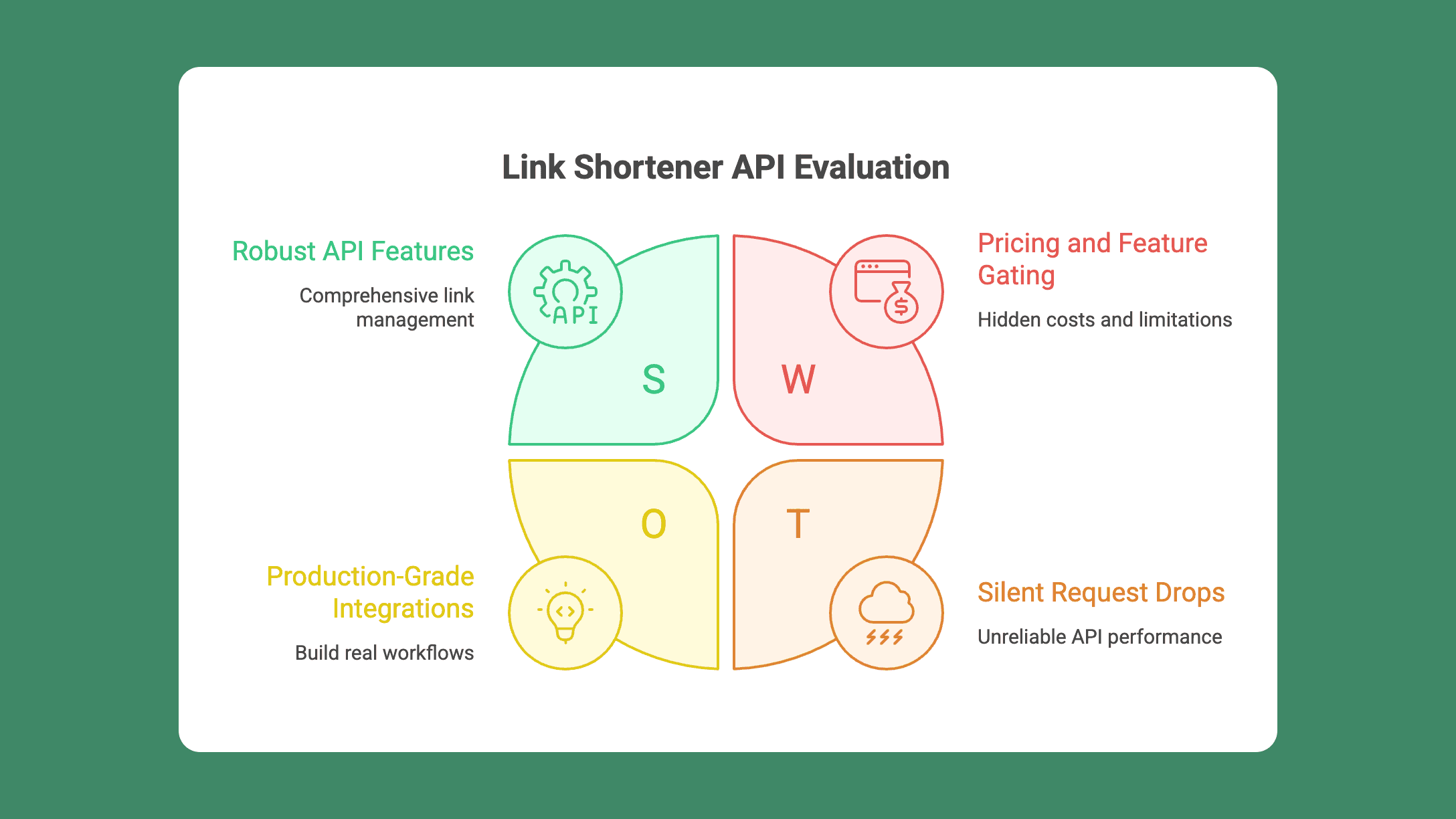
What matters is not just the number but what happens when you hit the ceiling. Good APIs return a 429 status code with a descriptive message, allowing you to implement retry logic. Bad ones just drop your requests silently.
If your use case involves bulk link creation (think email campaigns generating thousands of links at once), rate limits should be one of the first things you check.
Endpoint coverage beyond link creation
Creating a short link is table stakes. Look at the full API surface:
Link management: create, edit, delete, list
QR code generation: ideally in the same API call as link creation, not a separate flow
Analytics export: click data, geographic breakdown, device and referrer data
Resource management: domains, folders, workspaces, tracking pixels
Event tracking: post-click conversion endpoints
Most tool comparisons only mention "create and manage links." The depth of the API determines whether you can build real workflows or just shorten URLs. For a focused comparison of API providers, see our guide to choosing a URL shortening API.
A link creation endpoint should support more than just a destination URL.
Look for optional parameters like custom slugs (for branded back-halves), folder assignment (for organizational control), UTM parameter injection, redirect type configuration (301 vs 302), password protection, and social share preview overrides (custom OG title, description, and image).
These aren't edge cases. They're the features that make the difference between a toy integration and a production-grade one.
Documentation, SDKs, and response format
Good API documentation includes interactive playgrounds, code samples in multiple languages, a consistent response envelope, and clear error codes.
Look for a predictable JSON structure. ShortPen's API, for example, returns every response in the same envelope: { success, status_code, data, message }. Brazeno's API uses a similar pattern with structured fields for shortCode, clickCount, and TTL. Consistency reduces debugging time significantly.
SDKs and libraries in Python, Node.js, and PHP further reduce integration effort. Check whether the provider offers them before committing.
Pricing traps to watch for
This is where most evaluation guides stop being honest. Here's what to actually check:
Per-link overage fees. Bitly and Rebrandly charge extra when you exceed your monthly link limit. If a campaign goes viral, you get a surprise bill. Some providers, including ShortPen, offer unlimited links on all plans with no overage charges.
Analytics expiration. Bitly's cheaper plans expire your click data after 30 days. You run a Q1 campaign, and by Q2, the data is gone. Make sure your provider retains analytics for as long as you need them.
Bot traffic inflation. A pricing analysis by 301.Pro estimates that unfiltered bot traffic inflates click counts by 40 to 60%. If the platform doesn't filter bots, your performance numbers are unreliable.
Feature gating. Webhooks, geo-routing, and full API access are often locked behind enterprise tiers. Check what's actually included at the plan level you'd use.
For reference, here's what free tiers actually look like in 2026:
Bitly offers 5 links per month with 30-day analytics and interstitial ads.
Rebrandly gives you 10 links per month with no QR codes and 30-day analytics.
Short.io is more generous with 1,000 links, unlimited QR codes, full analytics, and one custom domain.
ShortPen's free plan includes unlimited links, QR codes, clicks, and analytics retention, with a single workspace, user, and domain.
Common integration patterns
SMS and email campaigns
The most common API use case: generate a unique, trackable short link for each recipient in a campaign, then pull click data back into your CRM or marketing automation platform.
Real-world examples from Bitly's API documentation: a major airline generates unique links for SMS flight updates. A telecom company creates individual links per available technician time slot for service appointments. A custom sticker-printing service sends branded order status links via text message. In each case, the API turns every message into a measurable touchpoint.
The pattern is straightforward: your backend calls the link shortener API once per recipient with their personalized destination URL, gets back a short link, and injects it into the message template.
The short link includes UTM parameters and tracking metadata, so when the recipient clicks, you know exactly which campaign, segment, and message variant drove the action.
For SMS specifically, short links matter more than in any other channel. Character limits are tight, carrier filtering flags suspicious long URLs, and branded short links build trust in a medium where phishing is common.
SaaS product embedding
If your product generates URLs that users share, you have two integration options outlined in Rebrandly's API guide:
Option 1: Brand your product's links. Every URL your product creates uses your domain, much like Twitter uses t.co or Buffer uses buff.ly. All links are branded and trackable under your brand.
Option 2: Let users brand with their own domains. Users connect their own link management account, and the links they create carry their brand. This works well for social media tools, blogging platforms, and content creation apps.
You can combine both approaches: default to your product brand, let power users switch to their own custom domain. This is what many mature SaaS products do: a sensible default that works out of the box, with an advanced option for teams that care about their own brand on every link.
Branded links** aren't just cosmetic**. Rebrandly reports that branded links increase click-through rates by up to 39% compared to generic short URLs. Bitly's data puts the number at 2.3x.
QR codes via API
Generating branded, trackable QR codes in the same API call as link creation is one of the most underused features in this category.
With ShortPen, you add generate_qr: true to your link creation request, and the response includes a base64-encoded PNG of the QR code alongside the short link. You can customize the colors with RGB values and embed your logo. Every scan is tracked the same way as a click, with geographic, device, and referrer data.
The use case: packaging, event materials, in-store displays, print ads. Because ShortPen QR codes are dynamic, you can change the destination URL without reprinting. The QR code encodes the short link, not the destination, so updates to where the link points don't break the printed code.
This matters because it solves one of the most painful problems in offline marketing: printed materials that point to outdated or broken URLs. With a dynamic QR code generated through the API, you fix the destination in your dashboard and every existing print piece still works.
Post-click conversion tracking
This is the biggest gap in competitor content. Every article on link shortener APIs mentions click tracking. Almost none cover what happens after the click.
A click tells you someone arrived. It doesn't tell you whether they signed up, made a purchase, or submitted a form. Without post-click data, you're measuring attention, not outcomes. You know which links get traffic, but you can't tell which links generate revenue.
That's where event tracking comes in.
With ShortPen, the process works like this:
Install the ShortPen Pixel once on your website. It's a lightweight tracking script that links on-site actions to the link or QR code that drove the visit.
Define events in the dashboard. Two types: URL-triggered events (fire when a visitor reaches a specific page, like /thank-you or /order-confirmed) and code-triggered events (fire via a JavaScript call at the exact moment something happens, like a button click, form submission, or in-app action).
Enable event tracking on the specific links you want to attribute conversions to.
The Pixel ties the full journey together: someone clicks a ShortPen link or scans a QR code, lands on your site, completes an action, and that action is logged as a conversion attributed to the original link. You see this data in both link-level and workspace-level analytics, so you can compare performance across campaigns, channels, or individual assets.
For e-commerce, ShortPen's Shopify integration auto-maps common events like Add to Cart, Checkout, and Purchase, so you get conversion tracking without writing event definitions manually.
Making your first API call
Get your API key
In ShortPen, go to Settings, then Organization, then API Keys, and click Create API key. Name the key, copy the generated value immediately (it's shown only once), and store it in your secrets manager or as an environment variable.
Never hardcode it in source files. Never expose it in frontend code.
Create a short link
Send a POST request to the link creation endpoint. Here's a cURL example:
The same request in JavaScript:
Both examples create a branded short link with a custom slug and generate a QR code in a single call.
Handle the response
A successful response returns a JSON envelope:
Key fields: data.link is your short URL. data.qr is the base64-encoded QR code (only present when generate_qr is true). data.created confirms the link was newly generated.
For errors, the same envelope returns with success: false and a descriptive message. A 429 status means you've hit your rate limit or monthly quota. A 400 means a validation issue (missing required field, invalid URL). A 401 means your API key is wrong or expired.
For the full list of endpoints, including link editing, resource lookups, and analytics, check the ShortPen API documentation.
Security and compliance best practices
API key management. Store keys in environment variables or a secrets manager. Rotate them periodically. If a key is compromised, revoke it immediately from the dashboard and generate a new one.
Rate limit handling. Implement exponential backoff when you receive 429 responses. Don't just retry immediately in a tight loop. Wait twice as long, then retry. Most APIs allow 60 to 600 requests per minute, depending on the plan, so design your integration to stay well under the limit during normal operation.
URL validation. Sanitize destination URLs before sending them to the API. Check for valid schemes (https), strip tracking parameters you don't want, and reject URLs pointing to known malicious domains. This prevents your short links from becoming vectors for phishing or malware. Some APIs, such as the one documented by Shareaholic, automatically integrate Google Safe Browsing checks and return an error for unsafe URLs. If your provider doesn't do this, build the check on your side.
GDPR and data residency. If you serve European users, check where the provider stores click data. ShortPen is EU-hosted with GDPR-native architecture. It uses cookieless analytics and stores no personally identifiable information. That means no consent banner complications for the link-tracking layer and no Schrems II data-transfer concerns.
FAQ
What is a link shortener API?
A link shortener API is a set of HTTP endpoints that let you create, edit, and track shortened links programmatically. You send a long URL to the API, and it returns a branded short link in JSON. Modern APIs also support QR code generation, click analytics, and conversion tracking.
Can I use a link shortener API for free?
Yes, most providers offer free tiers, but they vary significantly. Bitly's free plan includes 5 links per month. Rebrandly offers 10. ShortPen's free plan includes unlimited links, QR codes, and analytics retention. Full API access typically requires a paid plan.
How do I generate QR codes through a link shortener API?
Some APIs include QR generation in the link creation endpoint. With ShortPen, add generate_qr: true to your POST request, and the response includes a base64-encoded PNG. You can customize colors and add a logo. The QR code is dynamic, so changing the destination URL doesn't require reprinting.
What rate limits should I expect from a URL shortener API?
Rate limits range from 60 requests per minute to 100,000 links per second on enterprise plans. Check the provider's documentation for exact numbers and what happens when limits are exceeded. Most return a 429 HTTP status code.
How do I track conversions, not just clicks, with a link shortener API?
Install a tracking pixel (like the ShortPen Pixel) on your website, define the events you want to track (form submissions, purchases, signups), and enable event tracking on specific links. Conversions are then attributed to the original link click or QR scan.
Is a link shortener API GDPR compliant?
It depends on the provider. Look for EU data hosting, cookieless analytics, and no PII storage. ShortPen is EU-hosted and GDPR-native by default, with no personally identifiable information stored in its analytics.
Should I build my own URL shortener or use a commercial API?
If link management is your core product, build your own. Otherwise, a commercial API gives you branded links, analytics, QR codes, event tracking, and compliance out of the box. Building from scratch takes 20 to 40+ developer hours and requires ongoing maintenance for scaling, caching, and uptime.
Conclusion
A link shortener API removes the manual work of creating and tracking links, turning them into programmable infrastructure you control through code.
The best APIs go beyond shortening: branded domains, QR code generation, event tracking, workspace organization, and analytics export are all part of what you should expect from a modern provider.
You can test this with ShortPen's free plan. Create an account, grab your API key, and make your first call in under five minutes.
Ready to make every click count?
Simplify your link management, gain valuable insights, and take control of your online presence. Your journey to better links starts here.